Every order, live
See what came in today, what it earned and what is still open. Change a price or take a dish off the menu while you are at it.
Orders, turnover and how busy it is right now sit at the top. One look tells you whether the day is going the way you expected.
A dish runs out, the kitchen is swamped or you want to close early. You take it off the menu, or stop orders altogether, from your phone.
You get a notification for a big order, or for one that has been sitting untouched. The rest stays quiet, so your phone is not going off all shift.
Every order, live
After the shift
No extra cost
Works on the phone you already carry.
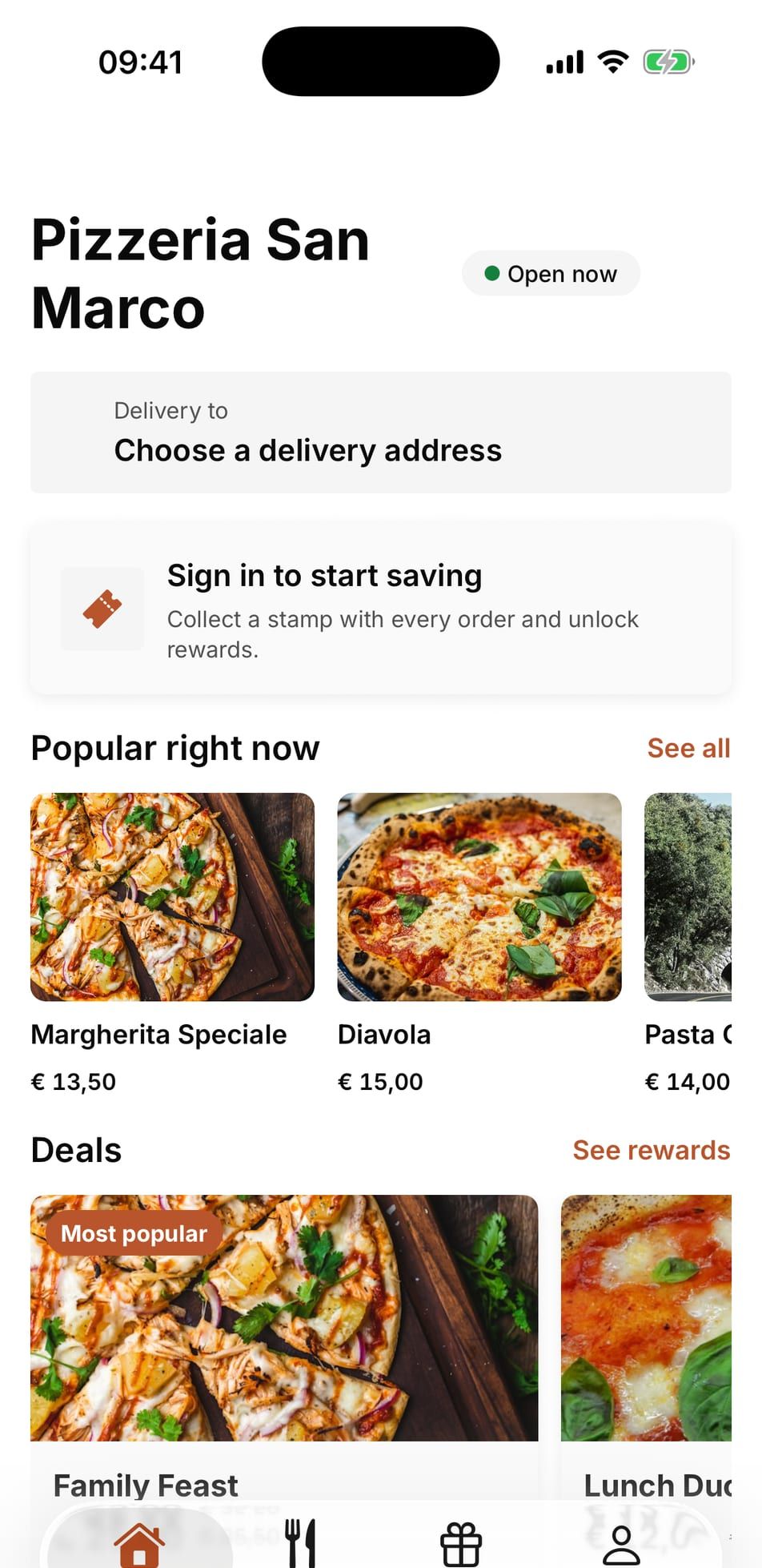
You see orders as they come in, today's takings and what is still open. You can change a price, take a dish off the menu, pause orders or ring a guest back, all from your phone.
Yes. Take a dish off in the app and it is gone from your ordering website, your own app and your menu at once. The kitchen screen shows exactly the orders you see.
Any iPhone or Android phone, and tablets work too. You log in on whatever you have to hand and it all looks the same, so there is nothing to move across when you get a new phone.
We set it up
You send us your menu. We build the rest.
You send us your menu and your photos. The next you hear from us is when there is something ready to look at.
You go live
Your guest orders from you. The money lands in your account.
From the first order everything runs through your own channel. You see who ordered and what they chose.
It keeps running
After that we keep it current. You never have to look at it.
Your pages move with Google, your campaigns keep going, and you change your menu whenever you want to.